Features
Everything you actually need.
A guided tour of the vault — what each part does, and how it fits the others. Click any screenshot to see it in the app.
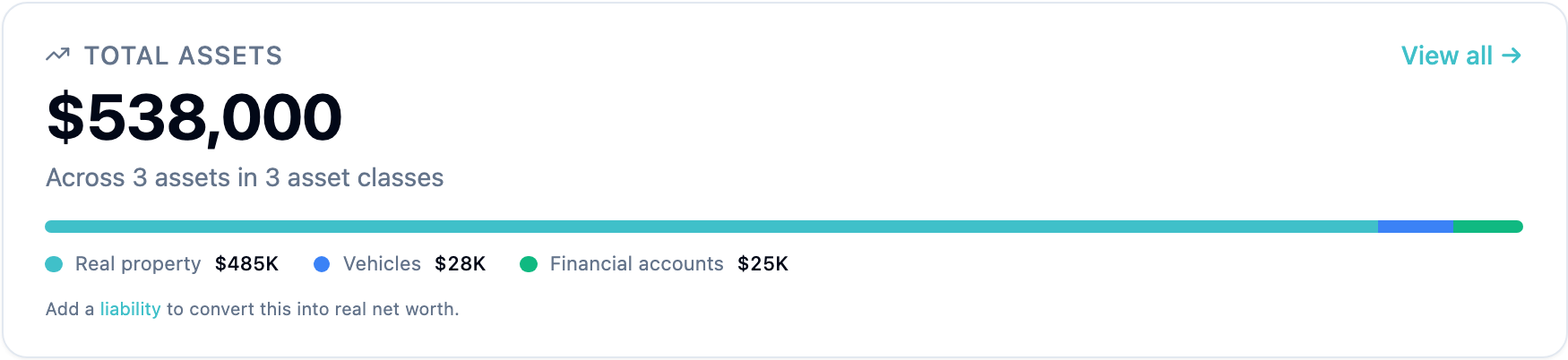
Vault dashboard
Your whole estate, at a glance.
Net worth across asset classes, recent activity, document requests waiting on you, family member health indicators. The dashboard is the home base for everything that comes after.
- • Total assets minus liabilities, broken down by class
- • Asset class allocation chart
- • Reminders + advisor requests surfaced inline
- • Family member status (owner profile, beneficiary completeness)
Asset management
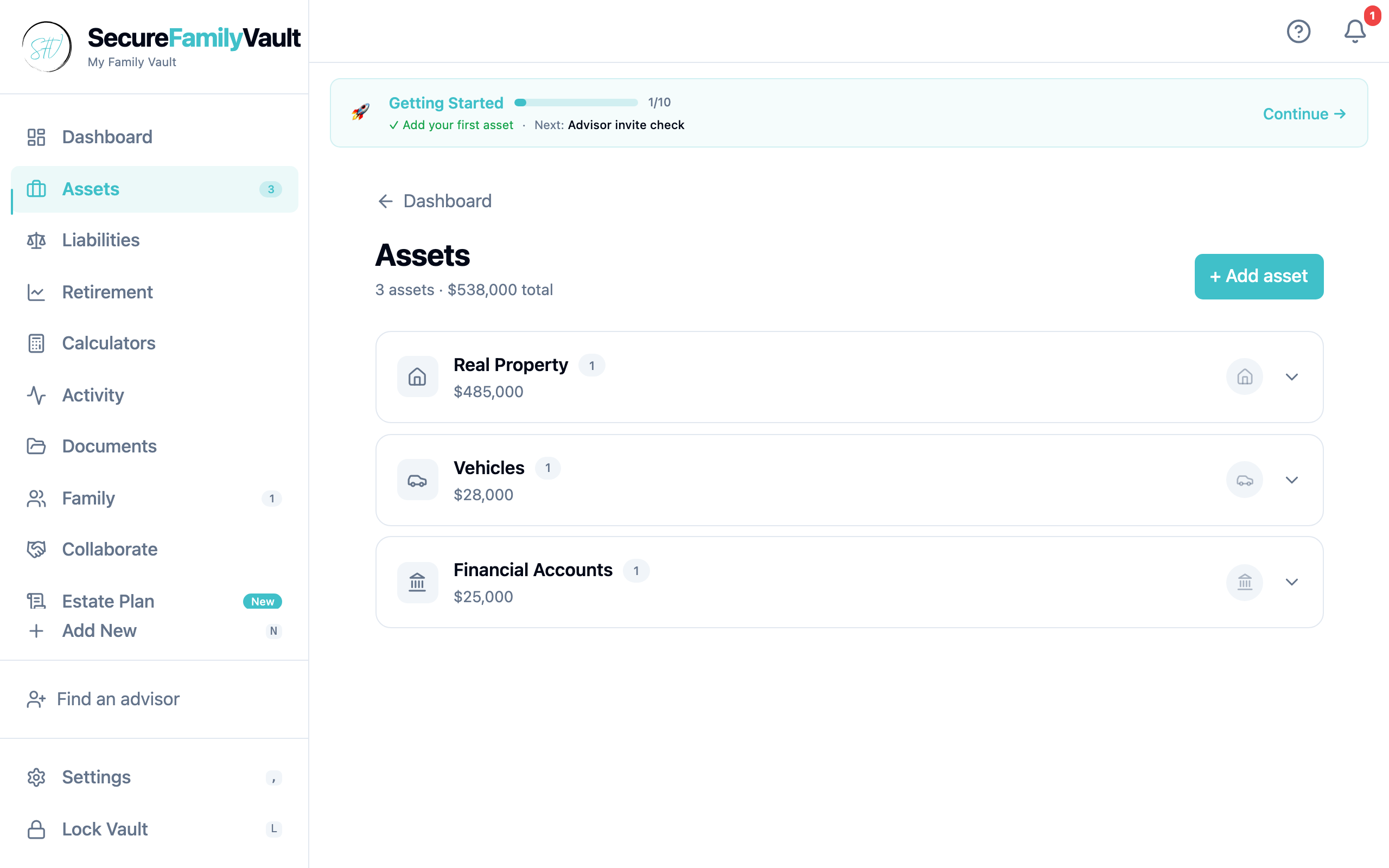
Seven asset types. Specialized handlers for the ones that matter.
Real property gets address autocomplete and an interactive map. Vehicles get a NHTSA VIN decoder. Other types are clean structured forms. No more spreadsheets.
- • Real property · address autocomplete · Leaflet map · optional Rentcast valuation
- • Vehicles · NHTSA VIN decode · MarketCheck values (when available)
- • Financial accounts · insurance · personal property · digital · business interests
- • Smart fill on supported types — paste an address, get a complete record
Smart fill
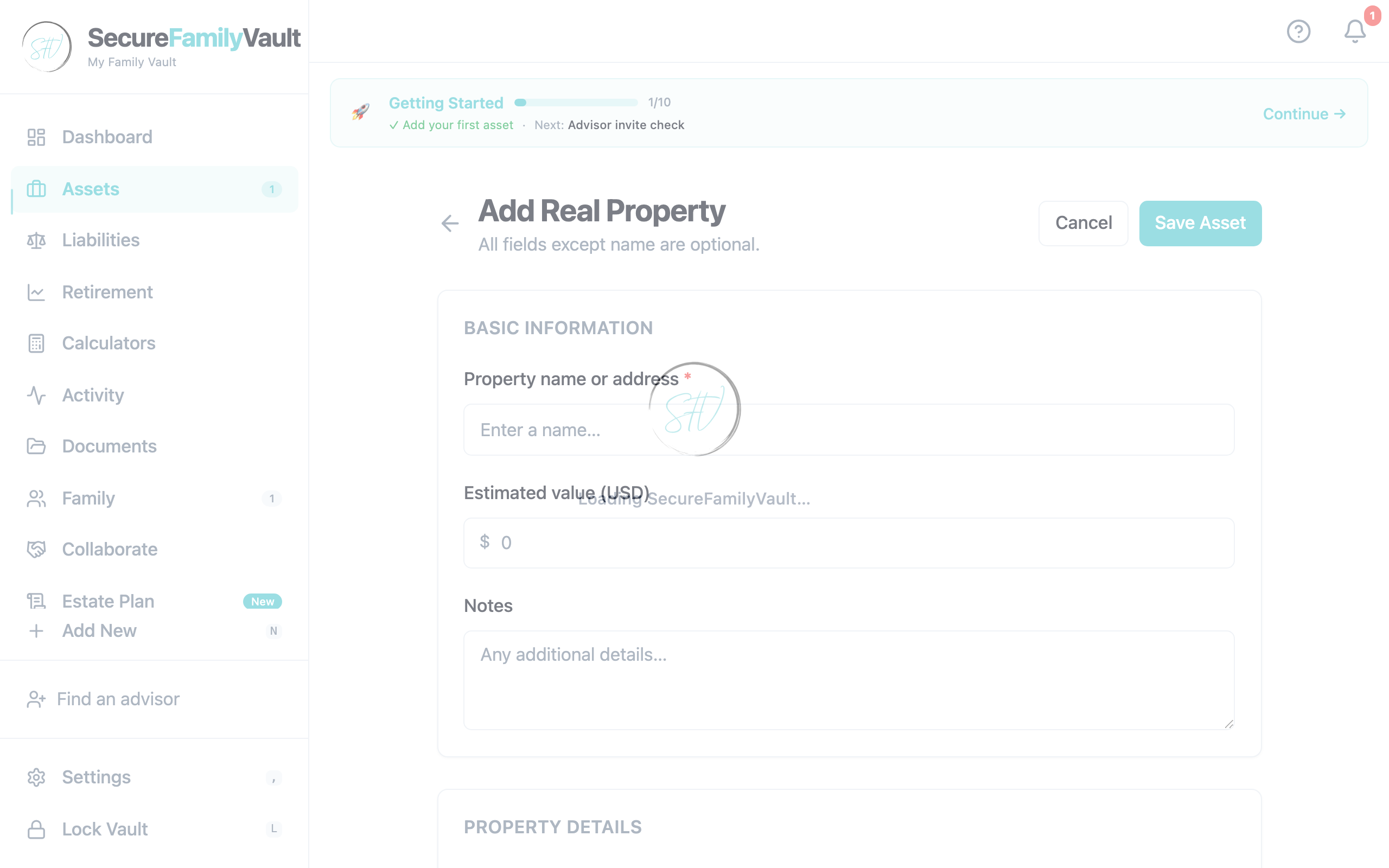
Type once. Let the address fill itself.
Real property and vehicle entries pull from authoritative sources — no manual transcription, no typos in addresses or VINs.
- • Address autocomplete via Nominatim (free, no API key)
- • VIN decoder via NHTSA (year, make, model, trim)
- • Optional Rentcast valuation if you bring your own free-tier key
- • All proxied through our Cloudflare Worker so no API keys hit your device
Will template
A real will. Free. State-aware.
Answer a guided questionnaire and we generate a will template + letter of instruction as PDFs, fully client-side. No subscription, no per-document fee. Built around our state-rules database (currently AZ, CA, FL, IL, NY, TX) with attorney-review disclaimers on every screen.
- • Testator, executor, guardian, residuary beneficiary all structured
- • Specific bequests per asset, per heir
- • Letter of instruction with funeral wishes, document locations, and personal messages
- • Generated PDFs encrypted and stored in your vault — never leaves your device
Inheritance breakdown
Who inherits what.
If something happened today, every named beneficiary gets a clear, dollar-valued summary of what's coming to them. Pulled from your per-asset allocations and any specific bequests you've made.
- • Per-beneficiary rollup with dollar totals
- • Specific bequests listed alongside dollar shares
- • Residuary share automatically calculated
- • Warns when there are unaccounted assets (no residuary beneficiary set)
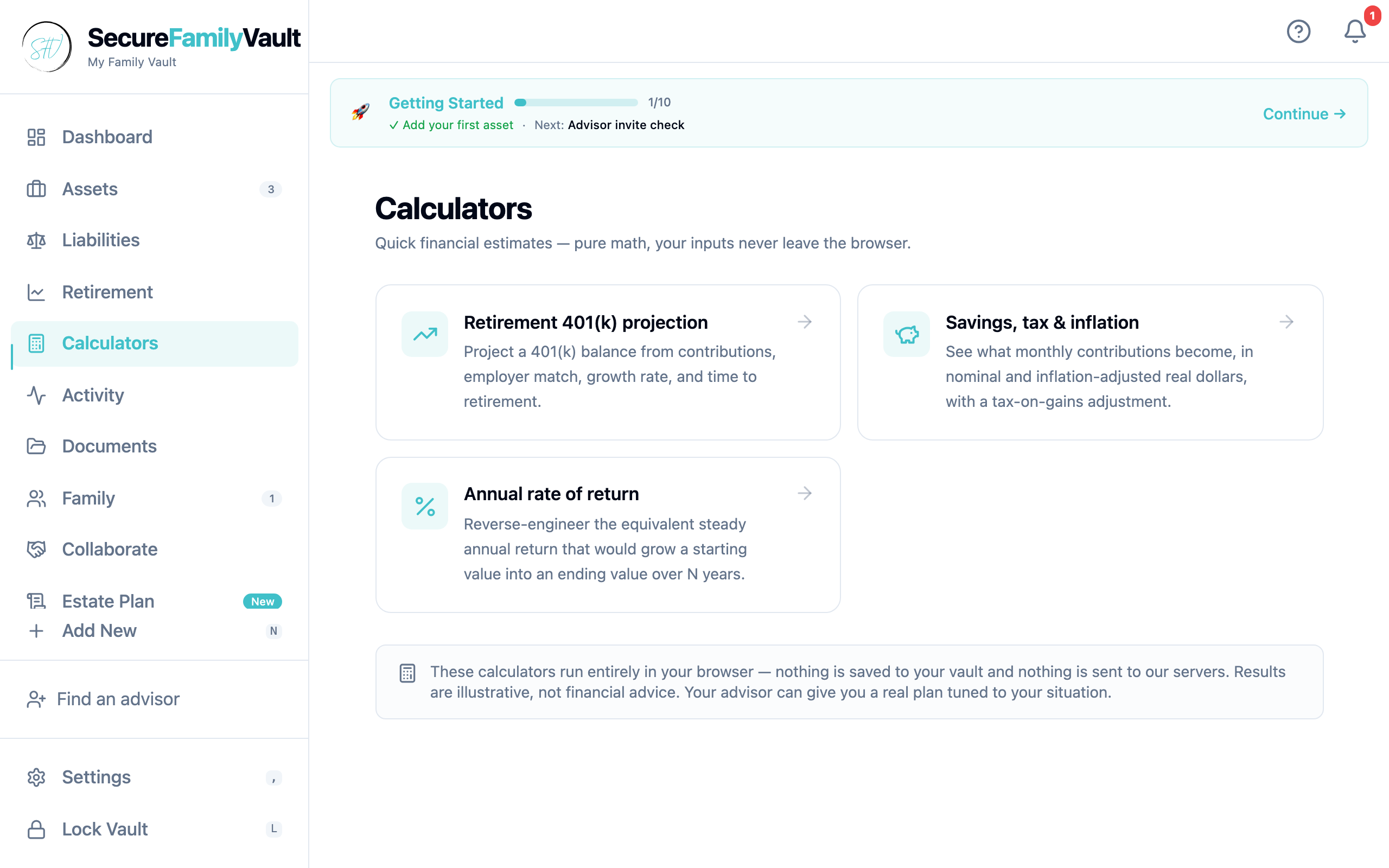
Calculators
Retirement, savings, return — all client-side.
Three financial calculators with shareable URL state. Useful for "when can I retire?" conversations without uploading anything to a server.
- • Retirement projection — when does the runway run out?
- • Savings projection — what happens with consistent contributions?
- • Annualized return — what was the real CAGR on a holding period?
- • Optional auto-feed from vault financial accounts and age
Personal Cloud
Available · Storage / Personal CloudEncrypted cloud documents — still zero-custody.
Personal Cloud (the Storage tier on pricing) moves you past the free 500 MB on-device quota. Files encrypt on your device before upload to Cloudflare R2. We store ciphertext; we cannot read your vault.
- • Upgrade in-app at /upgrade — $12/yr first year with advisor code, then $39.99/yr
- • 5 GB encrypted Personal Cloud included; storage meter in Settings
- • Still encrypted client-side — cloud is opt-in capacity, not a custody change
- • Google Drive sync remains available on the free tier if you prefer your own Drive
Documents
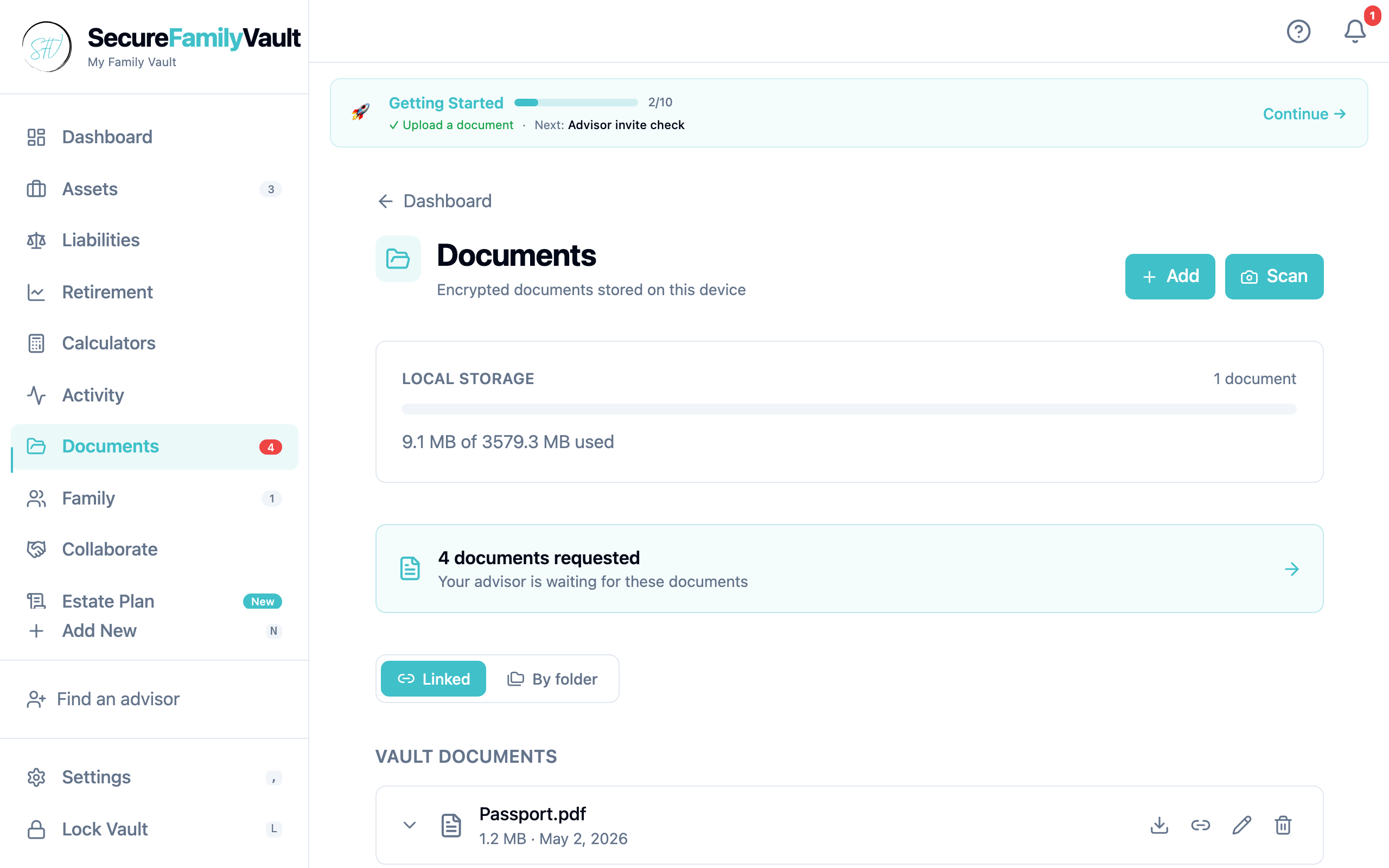
AvailableDocuments, organized two ways.
Default view links each document to the asset or family member it relates to — so the right papers live next to the right thing. Optional folder view for users who prefer hierarchical organization.
- • Drag & drop upload, encrypted on your device before storage
- • Link a document to multiple assets / members at once
- • Folder tree as alternative view (Insurance, Tax, Trust, etc.)
- • 500 MB free on-device · Personal Cloud / Storage when you need more
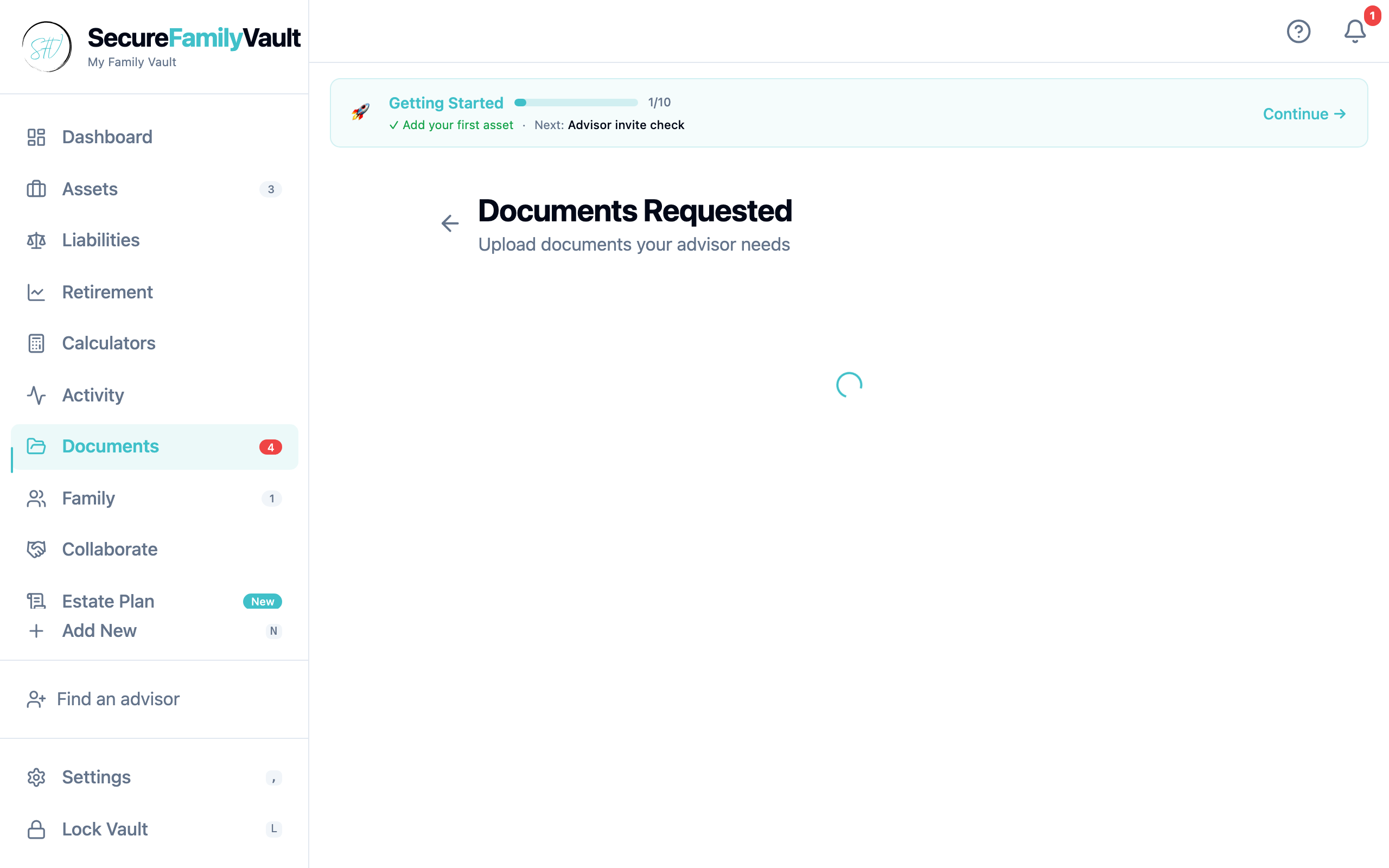
Document requests
Advisors ask. Clients upload. Tracked end-to-end.
Advisors send grouped document requests with blocking vs nice-to-have flags. Clients see what blocks the next meeting and what can wait. Templates make repeated client onboarding fast.
- • Grouped requests (e.g. "2025 tax docs", "trust setup")
- • Required vs optional flags surface on the client side
- • Reusable templates per advisor
- • Drag & drop fulfillment from the client
Family RBAC
Available · Storage / Personal CloudShare with roles — not a shared login.
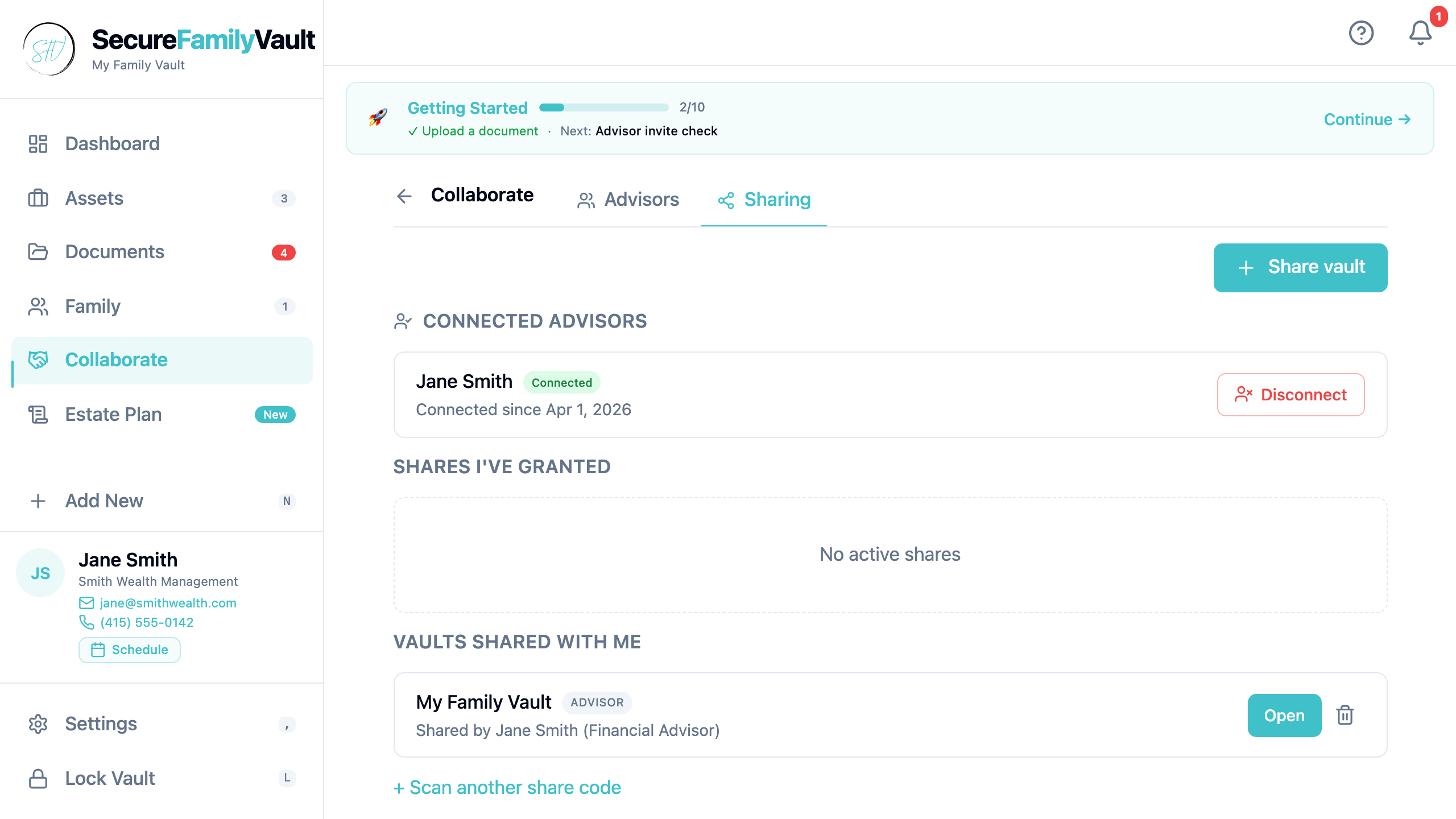
Invite heirs, co-owners, and advisors with scoped permissions. Family RBAC ships with Personal Cloud / Storage so each person sees what they should — nothing more.
- • Role-based visibility per member
- • Advisor scopes separate from heir access
- • QR / link invites still work the same way
- • Edit access still requires an explicit advisor passphrase when you want it
Annotations + todos
Available · Storage / Personal CloudNotes and follow-ups next to the document.
Leave annotations on documents, assign todos, and keep the conversation with the file. This is document-linked markup — not PDF highlight layers. Available now with Personal Cloud / Storage.
- • Annotations + todos available on Storage / Personal Cloud
- • Async messaging stays encrypted in the vault
- • Real-time chat is scaffold only — Collaboration tier later
- • No promise of PDF highlights, WebDAV, or OneDrive
Emergency kit
A kit your heirs can use without you.
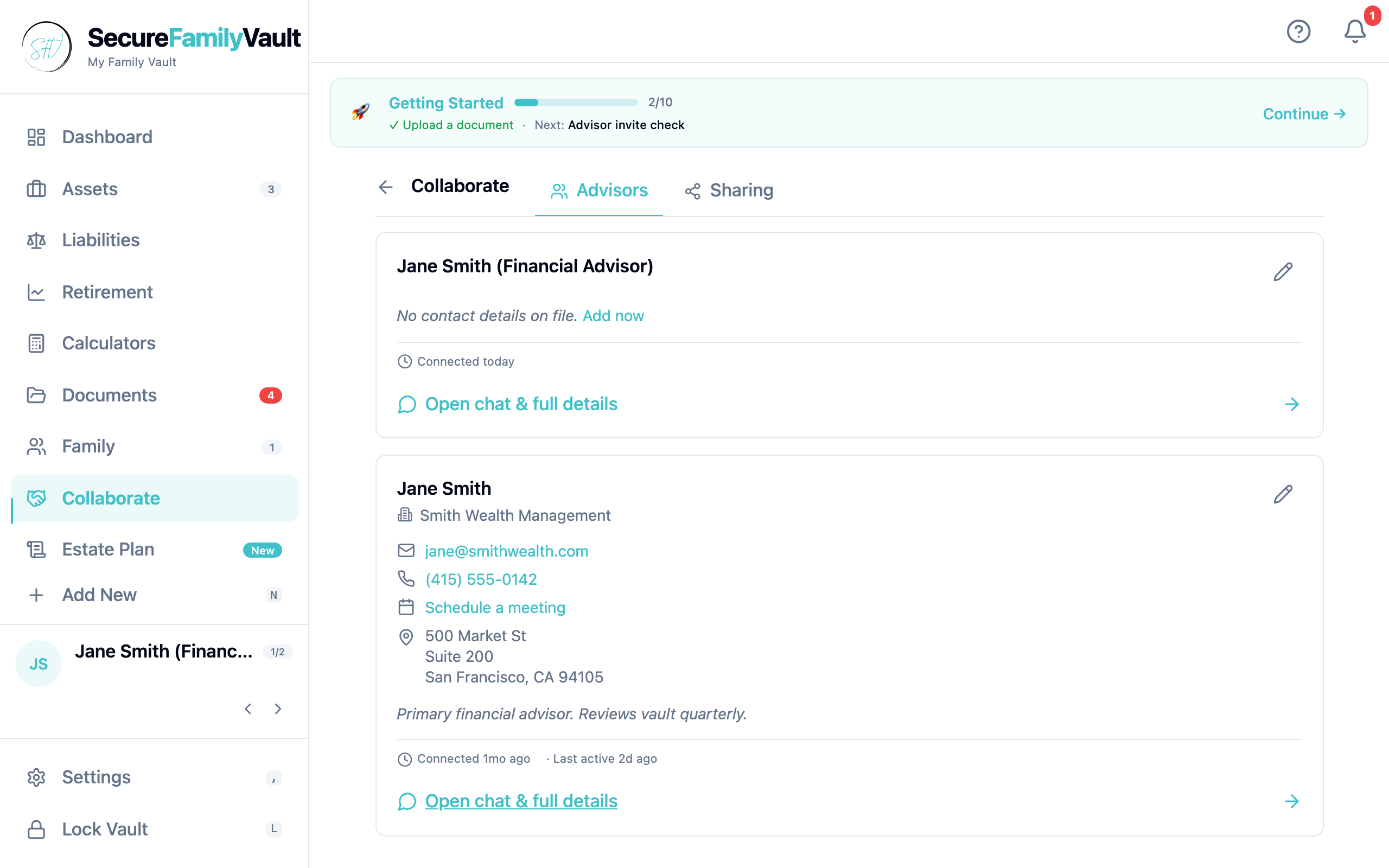
Print the Emergency Kit PDF and store it somewhere your heirs can find. It contains the Secret Key needed (alongside your passphrase) to unlock the vault. Without both, the data is unrecoverable — by us or anyone — which is the whole point.
- • 128-bit Secret Key generated once at vault creation
- • Printed in the Emergency Kit PDF only — never on our servers
- • Heirs combine it with your passphrase to unlock — that's the whole architecture
- • Re-download anytime from Settings
Email notifications
Available · Storage / Personal CloudReminders that can reach your inbox.
Annual document refresh, age-triggered reminders, advisor check-ins. In-app and push stay free. Email delivery is live with Personal Cloud / Storage — manage prefs anytime. SMS is still planned for Collaboration.
- • Annual reminders (review beneficiaries, refresh emergency kit)
- • Age-triggered milestones (turn 50, kids reach majority, etc.)
- • Email notifications available on Storage / Personal Cloud
- • SMS remains planned — not available yet
See it for yourself.
Free vault. No credit card. Open one in two minutes and click through every feature on this page.