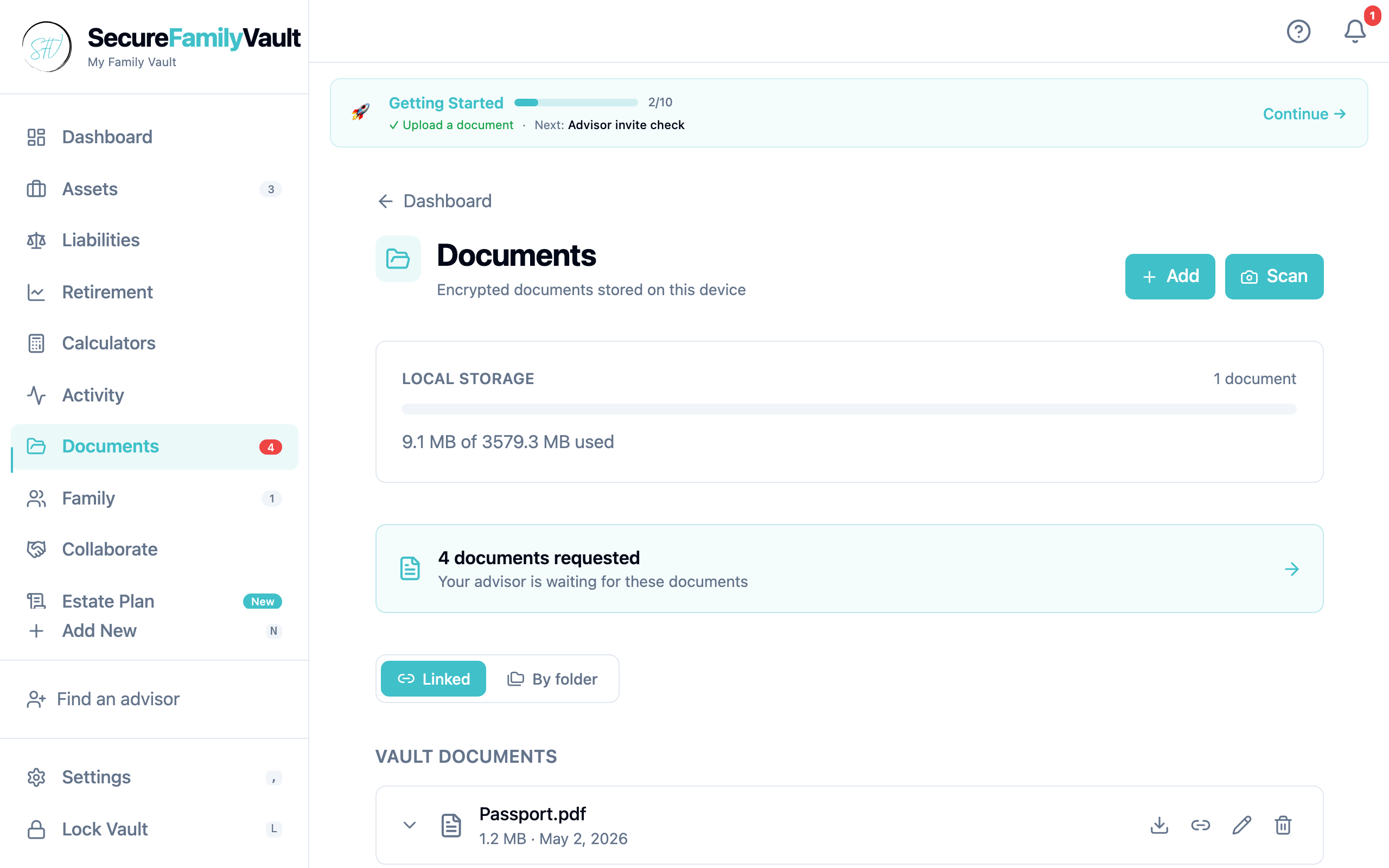
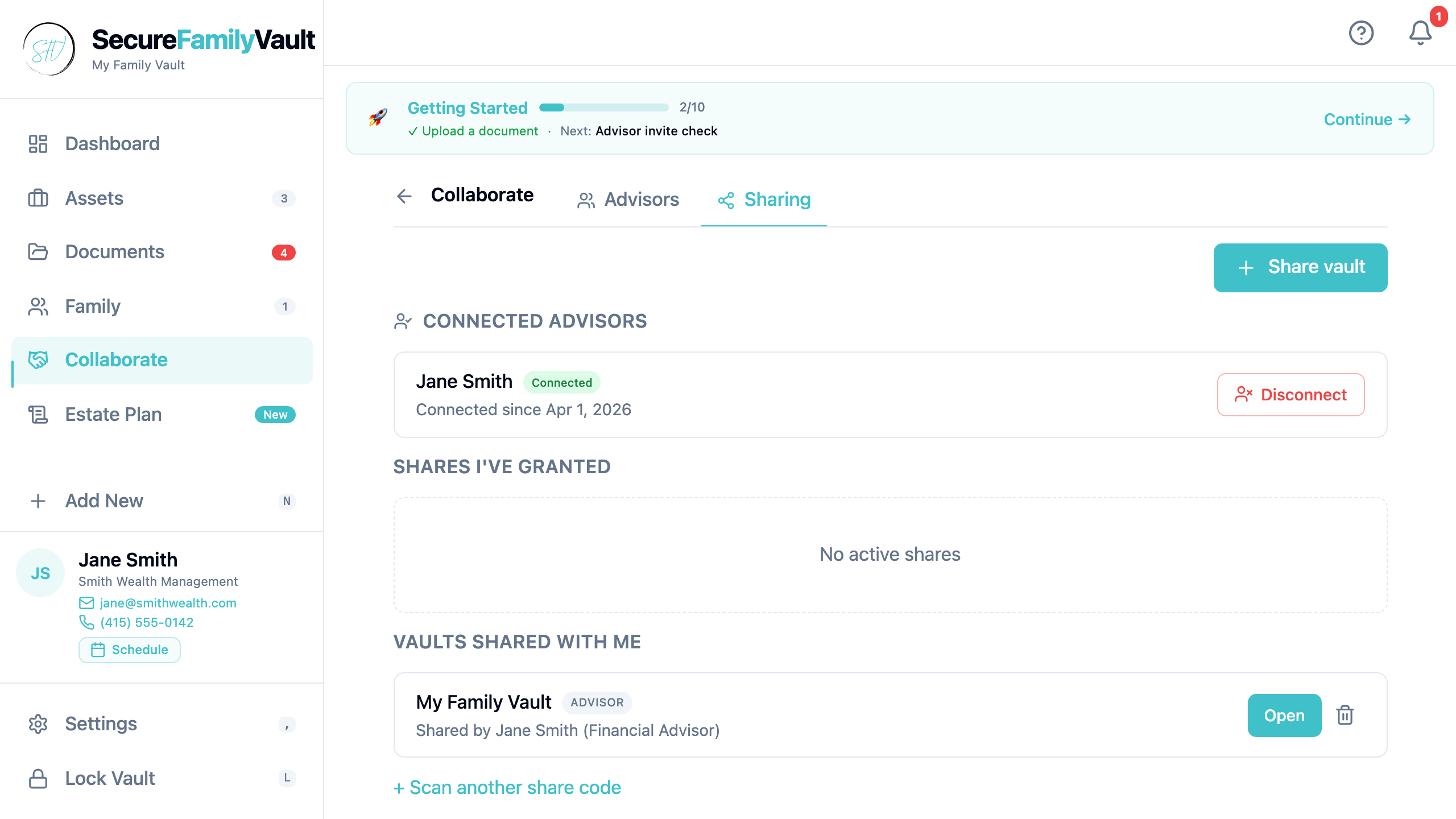
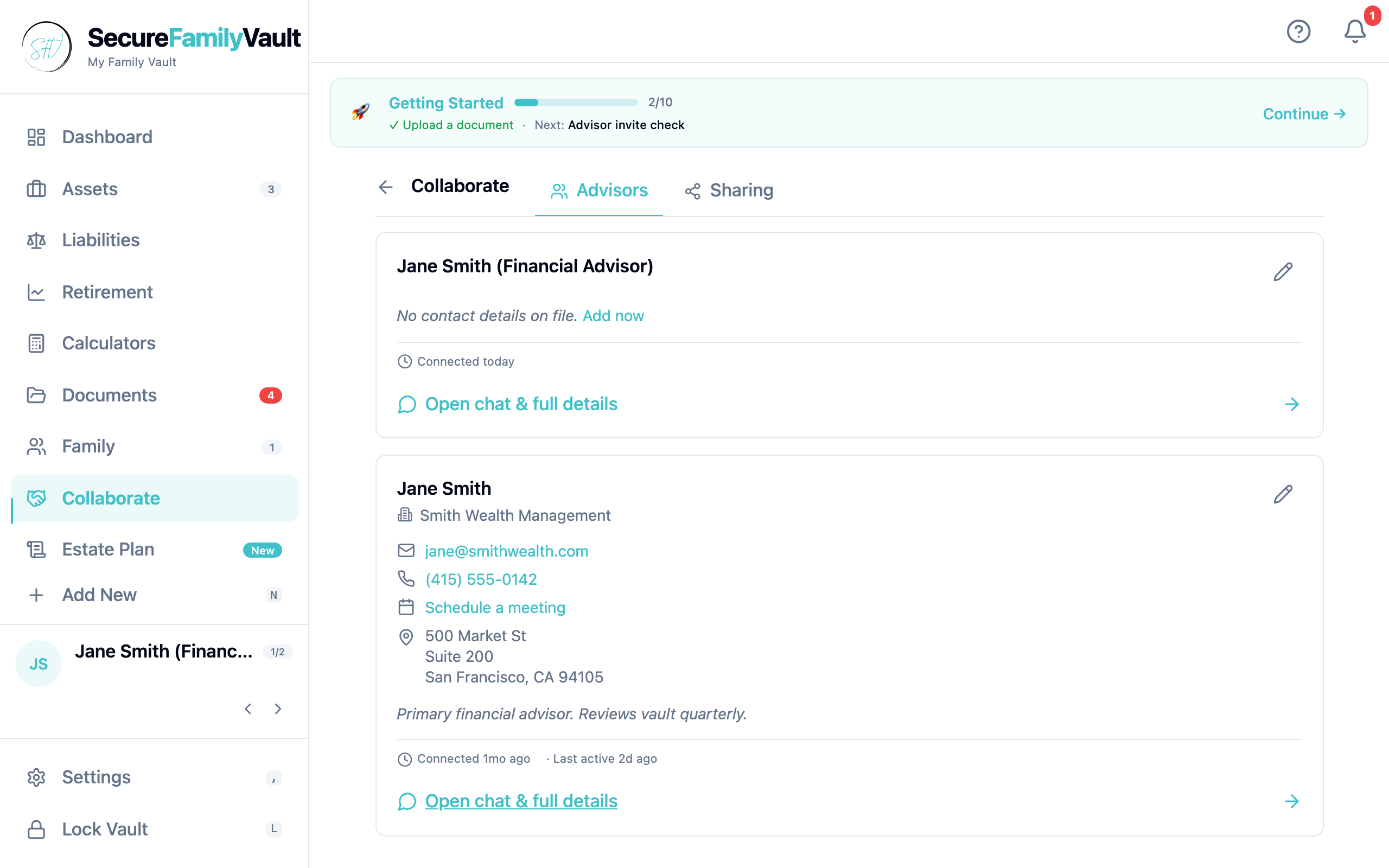
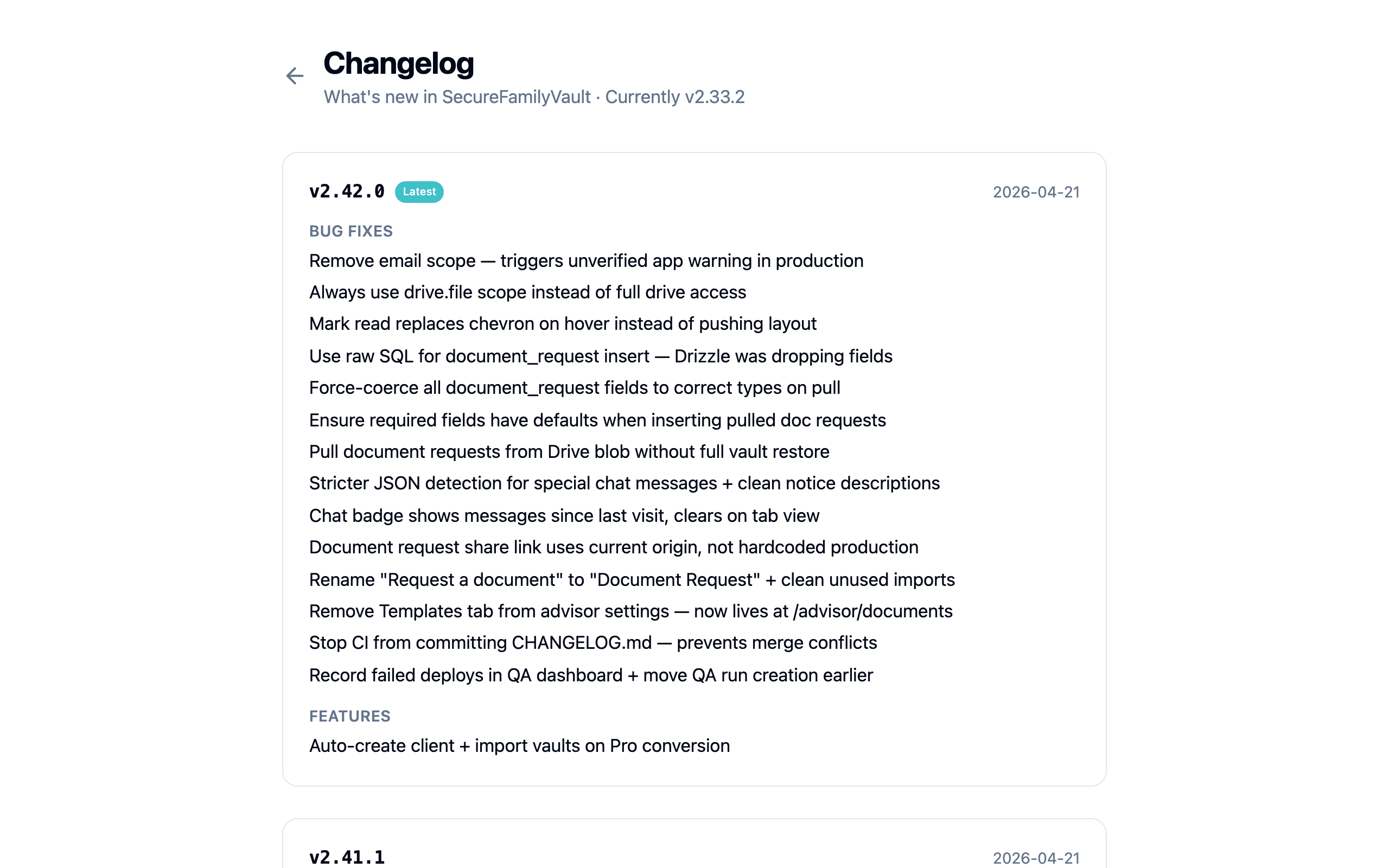
Encrypted cloud document storage is available now — still zero-custody. Files are encrypted on your device before they leave it; we store ciphertext on Cloudflare R2 and cannot read your vault. In the app this is Personal Cloud; on pricing it is the Storage tier.
•Personal Cloud (Storage tier): encrypted uploads beyond the free 500 MB on-device quota — 5 GB included, with a clear storage meter in Settings
•Family share roles (RBAC): invite heirs and collaborators with scoped permissions — not a free-for-all shared login
•Annotations + todos on documents (not PDF highlights): leave notes, assign follow-ups, keep the work next to the file
•Messages hub + email notices / prefs: async messaging stays in the vault; reminder emails opt-in via Preferences
•Upgrade path in-app at /upgrade — $12/yr first year with advisor code, then $39.99/yr; cancel anytime from Settings → Billing
Open Upgrade in the app, choose the Storage / Personal Cloud plan, and finish Stripe checkout. Your existing vault stays encrypted on-device; cloud is opt-in ciphertext.
Google Drive encrypted backup remains available on the free tier. Personal Cloud does not replace Drive — it adds R2 capacity you do not have to manage yourself.
Cleared four latent runtime bugs in our Drive sync code. No new features — but if you'd ever exercised the cold paths, the bugs would have thrown. Now they don't.
•Fixed a typo in `refreshShareUrls` that would have thrown 'is not a function' the first time a share's Drive URL needed updating
•Updated the `updateVaultSettings` Partial type so writes including `google_drive_file_id` typecheck cleanly
•Typecheck baseline cleared from 8 errors to 0 — the first time `pnpm check` has been clean in months
Answer the question every estate plan should answer: if I died today, what does each named beneficiary actually inherit? We built a per-beneficiary rollup that pulls from your existing per-asset allocations, specific bequests, and residuary share — formatted as dollar values with per-asset breakdown lines.
•New "Who inherits what" section on /estate-plan
•Surfaces unaccounted value when there's no residuary beneficiary — links back to the questionnaire
•11-test pure-math helper at src/lib/estate/inheritance-breakdown.ts
•Refresh of the SFV vs. Generational Vault comparison article
A big multi-feature release. WebAuthn passkey unlock as a parallel path to passphrase + Secret Key — Touch ID, Face ID, and security keys can now unlock the vault. Activity feed at /activity gives a reverse-chronological timeline. Document folder tree as an alternative organization view. Plus a vault-recovery help article and the SFV vs Generational Vault comparison article.
•Passkey unlock via WebAuthn PRF extension — the master key is wrapped locally, never replaces the passphrase + Secret Key path
•Activity feed at /activity, filterable by category (documents, assets, family, advisor, reminders, finance)
•Document folder tree as an optional alternative view layered on top of the existing asset/member linking
•Vault recovery help article (/help/vault-recovery) explaining the four credential scenarios
•SFV vs Generational Vault comparison article published
Stateless, client-side financial calculators for retirement projection, savings projection, and annualized return. URL state means you can share a calculation link without uploading anything to a server.
•Retirement projection — when does the runway run out?
•Savings projection — what happens with consistent contributions?
•Annualized return / CAGR — what was the real return on a holding period?
When an advisor converts a personal vault to Pro mode, we now auto-create the corresponding client + import their existing shared vaults. One less manual step in the advisor onboarding loop.
•Auto-create client + import vaults on Pro conversion
•Several share / chat / notice bugfixes around advisor mode
•Document Request renamed (was "Request a document") + reorganized into /advisor/documents
In-app reminders for both system events (annual document refresh, age milestones) and user-created reminders. Asset-linked reminders surface on the dashboard banner. Email notifications ship with the Storage / Personal Cloud tier; SMS stays on the Collaboration roadmap.
Phase 4 of the build sequence — the viral-loop foundation. Advisors can request access from clients, clients can share read-only or grant edit access via an advisor passphrase. Push notifications via a Cloudflare Worker handle the 'someone updated your vault' alerts.
•Advisor mode: separate workspace, client list, document requests, dashboard